Debug over Wi-Fi with your tools
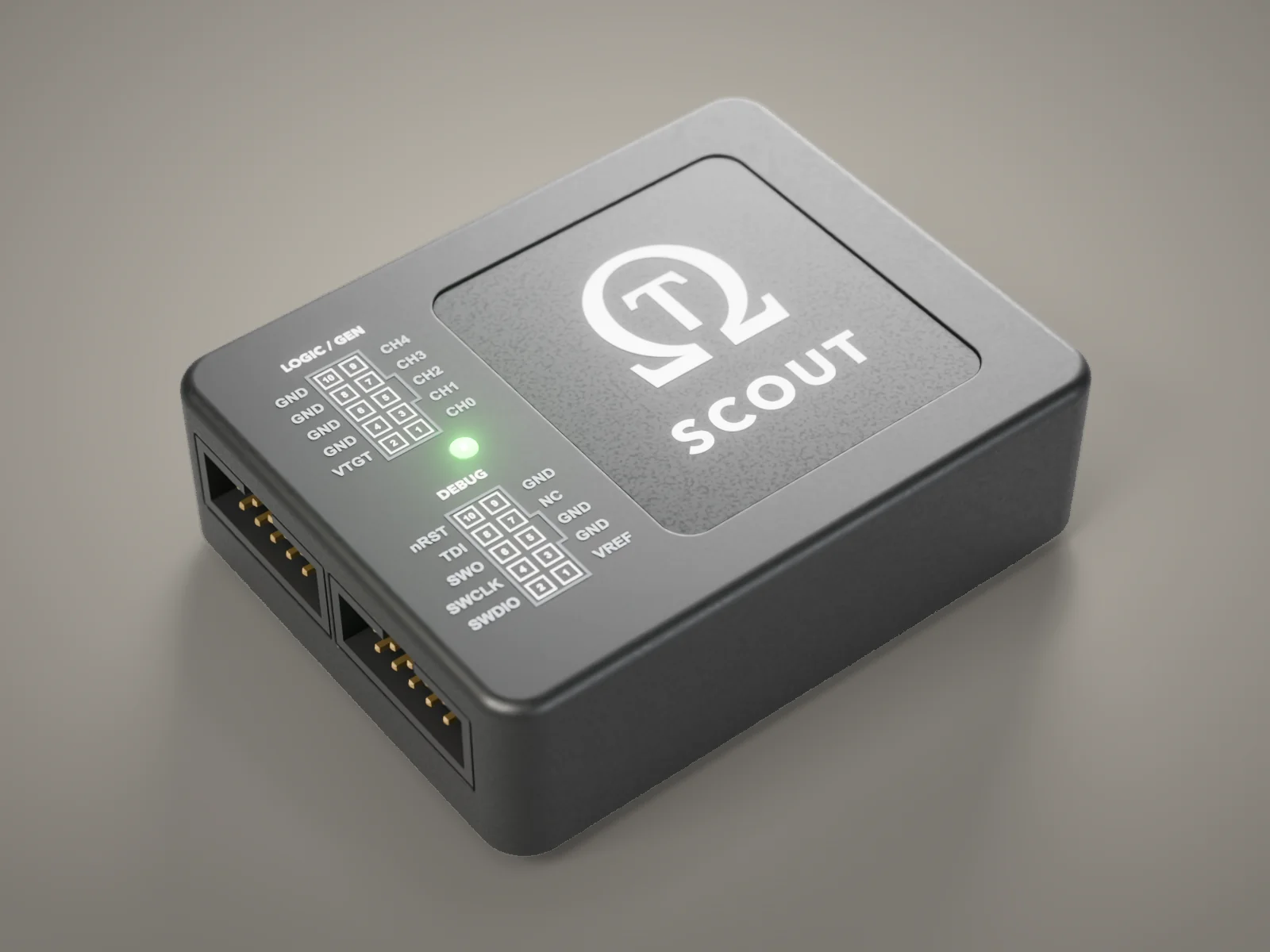
Halt, step, read and write memory, and flash over dual-band Wi-Fi 6. Stock OpenOCD connects with no driver or plugin.

curl -fsSL https://ohmic-test.com/download/install.sh | bashmacOS, Apple silicon · Download the zip
Halt, step, read and write memory, and flash over dual-band Wi-Fi 6. Stock OpenOCD connects with no driver or plugin.
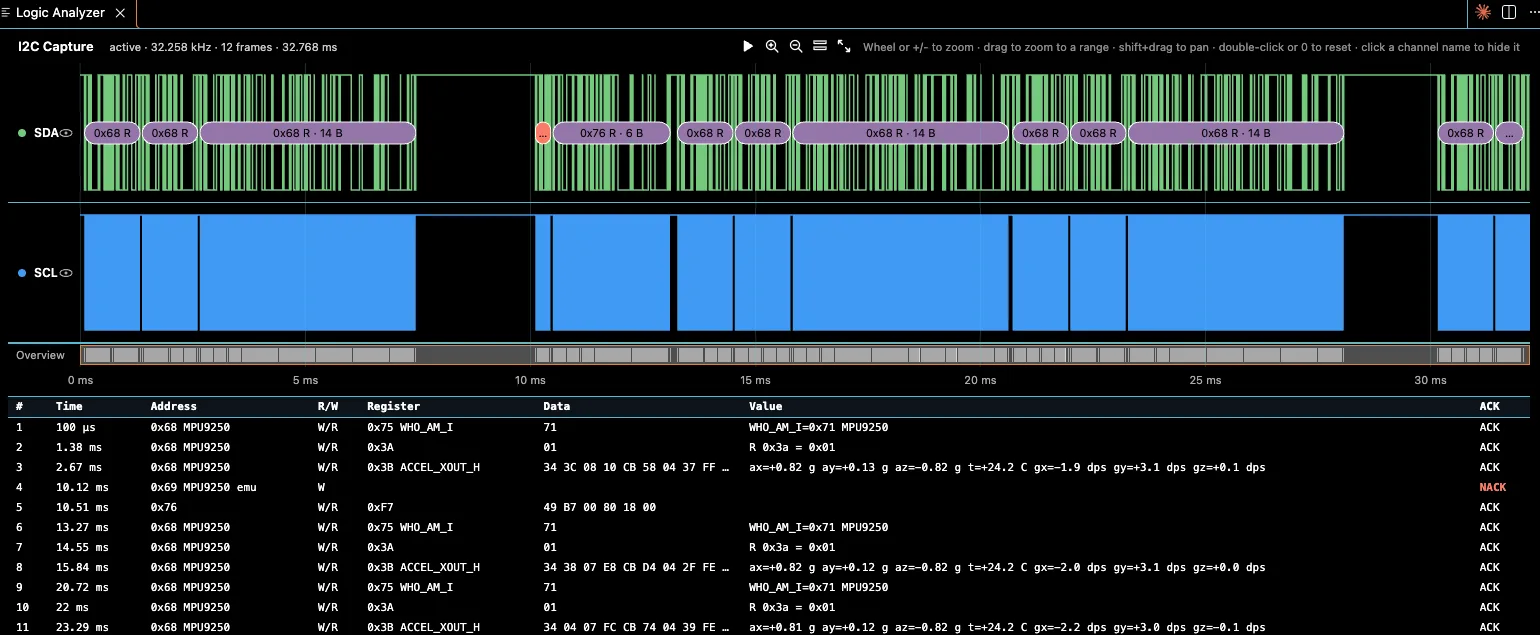
Capture signals while you debug, and emulate devices on your target’s bus.
Other agent debug servers drive a wired probe (J-Link, OpenOCD or probe-rs). Scout’s MCP server, command-line tool and host library give your agent the operations you use over Wi-Fi, plus crash dumps with fault registers and the logic analyzer capture.
One command. Replace the path with the output of command -v ohmic-mcp, and the name with your probe’s (ohmic- and the last six characters of its MAC address).
claude mcp add ohmic -- /ABS/PATH/ohmic-mcp --host ohmic-XXXXXX.local --writes confirmClaude Code is the agent we have tested. Any agent that uses an MCP server can connect.
The host software sends no telemetry. A local usage log stays on your computer; set OHMIC_TELEMETRY=off to turn it off.
One Scout extension, in your editor.
launch.json needed.| Debug | SWD, JTAG |
|---|---|
| Logic analyzer | 4 channels, up to 3 MS/s |
| Protocol generator | Sensor emulation |
| Wireless | Dual-band Wi-Fi 6 |
| Power | USB-C |
| Host software | Command-line tool, host library, MCP server |
| Works with | Stock OpenOCD, GDB, VS Code |
No. There is no Ohmic server in the data path.
No. Scout refuses clients that are not paired with it.
No. Stock OpenOCD debugs and flashes over Wi-Fi with no driver or plugin, and the command-line tool prints JSON for scripts and CI.
JSON, with the status first. A reply over 100 KB is saved to a file on your computer, and the agent gets a link to it.
No. The MCP server starts read-only. Launched in confirm mode, it asks you before each call that changes the target, such as a flash write.
Ports 4441 to 4445. Each port checks a per-probe key when a client connects; the console on 4444 also answers a short read-only list without it. Pairing works only over USB.
Yes. Scout refuses an unsigned Wi-Fi update. There is no hardware secure boot yet.
Scout is priced at a fraction of a J-Link WiFi. Leave your email to hear when early units are ready, or tick the box to test one on your own boards as a design partner.